The 8 Best Fire Station Software Solutions in 2026


Fire investigation is about identifying the cause and origin of a fire. For many fire investigation units (FIUs), a good fire station software can streamline the process and help make investigations more accurate.
There are several types of fire department software to choose from, ranging from incident tracking and scheduling to records management and fire investigation case management software. In this guide, we’ll share our top recommendations, key features to look for, and tips on finding the best fire investigation software that fits your needs.
Fire station software can help improve efficiency and operational capabilities, optimize resources, and ensure accurate reporting. These are our top eight recommendations for solutions that can improve the effectiveness of your investigations and deliver better service to your community.
Pricing: Custom pricing per department (4 types of plans)
Free Trial: 14-day free trial
Platforms: Web
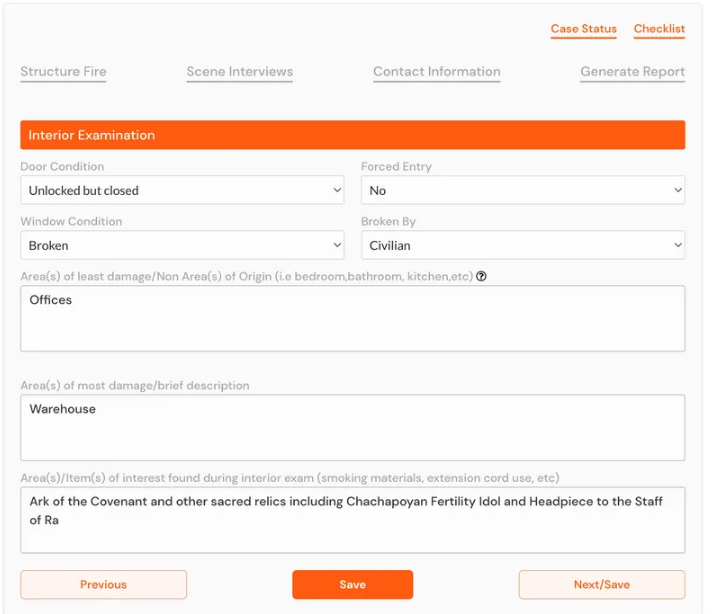
When to pick Blazestack: You need a comprehensive fire investigation case management software as an arson and fire investigator. Blazestack is case management software that helps arson and fire investigators log, report, and document investigations. Blazestack also offers customizable fire investigation templates that simplify reporting, helping investigators easily generate compliant reports. The software has made its mark among investigators looking for a comprehensive solution that makes it easy to collect and store fire scene data in the field due to its accessibility through laptops, mobile phones, and tablets.
What makes Blazestack truly shine, though, is its advanced one-click reporting capabilities, which allow investigators to generate NFPA 921 and NFPA 1033-compliant origin and cause reports. Blazestack also helps effortlessly generate summary reports, K9 deployment reports, and scene examination reports. The intuitive user interface, time-saving shortcuts, and collaboration features are added bonuses that make the entire user experience enjoyable and efficient. If you’re looking for a case management software that reduces hours of work and improves the accuracy of your investigations and reports, Blazestack is the best option.
Key Features
- Supports NFPA 921, 1033, and 1321
- ADA compliant
- Online collaboration and review
- Auto-populate VIN and weather information
- Case media library
- Incident statistics
- Transcribes and summarizes audio and video files for witness statements
- Customizable templates for reporting
Pros
- User-friendly, intuitive interface
- One-click report generation
- Excellent customer support
- Custom pricing plans to fit the needs of the FIU
- Accessible via mobile phones, tablets, desktops, and laptops
Cons
- Transitioning the unit to a new fire investigation software can initially be time-consuming
- There may be a learning curve for some, despite the user-friendly interface if they’re less familiar with technology
Pricing: Not available on website
Free Trial: No
Platforms: Web, iOS, Android
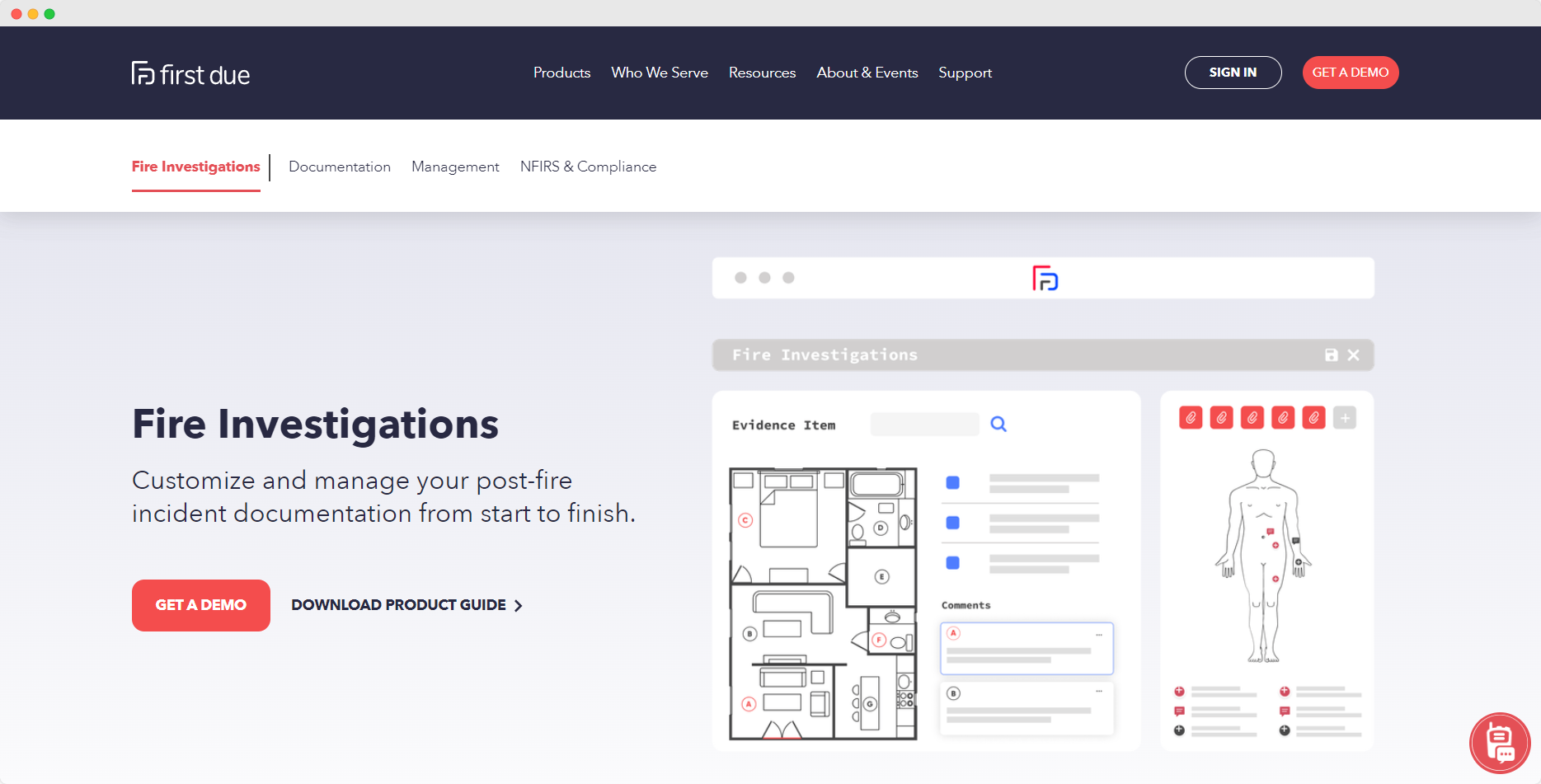
First Due is an end-to-end fire station software that helps FIUs manage pre-incident planning, incident reporting, personnel, and records from a single platform. The cloud software offers flexibility and upgrades so investigators can benefit from customization options to fit their specific needs.
This may be a good solution for agencies that are transitioning from a manual workflow and need an entire suite of applications to cover every aspect of their operations. However, if you’re looking for features to support specific processes, such as case management or reporting, it may be better to invest in a solution that specializes in it.
Key Features
- Reporting and statistics
- Training management
- Incident response checklist
- Training management
- Compliance management
Pros
- A comprehensive range of features
- Offers multiple customer support options
- User-friendly dashboard
Cons
- No free trial
- Data migration can be complex
- May not be cost-effective, especially for smaller units
Pricing: Contact for pricing
Free Trial: Yes
Platforms: Web and iOS
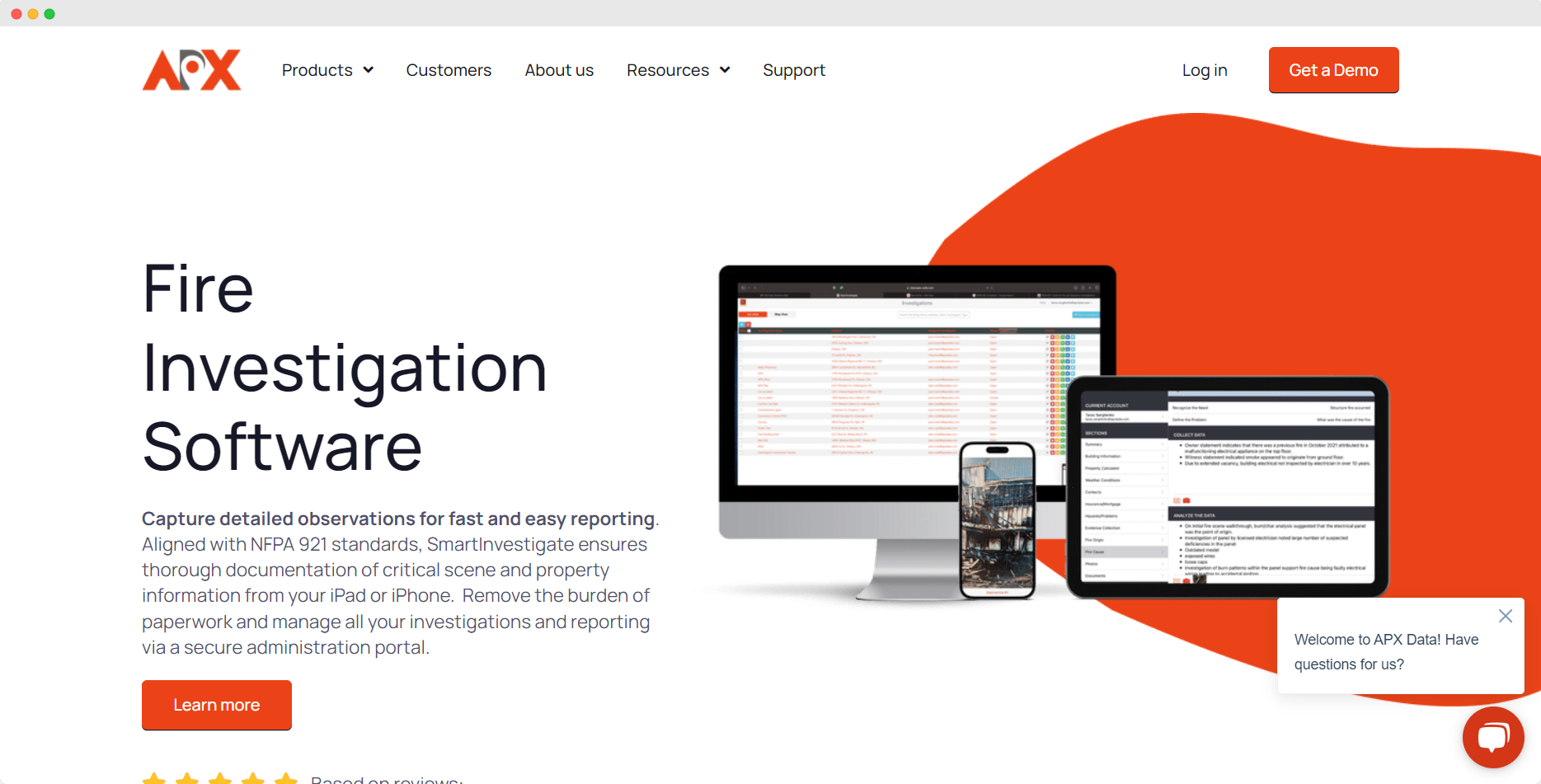
APX SmartInvestigate is another fire station software to consider if you want to manage all your investigations from a single administration portal. The software is aligned with NFPA 921 standards and allows investigators to capture and log important scene and property information and autogenerate reports.
APX SmartInvestigate ensures accurate reporting through the automated data entry feature. Investigators can collect and log data on the go through tablets and mobile phones while ensuring complete confidentiality through the password-protected portal.
Key Features
- NFPA complaint
- Investigation management
- Autogenerated reports
- Collaboration features
Pros
- Supports data capture on the field
- Automated data entry feature improves accuracy
- Allows you to autogenerate NFPA 921-compliant reports
Cons
- Learning curve can be steep for some
- The initial setup can be complex
Pricing: Contact for pricing
Free Trial: No
Platforms: Web
ESO Fire RMS helps reduce errors and save time while ensuring you meet state-level and NFIRS compliance requirements. The platform takes care of scheduling and asset management to keep your team aligned.
ESO Fire Incidents help reduce errors and save time while reporting. Automatically import NFIRS data so you can keep track of all call documentation. The platform also offers exposure and incident tracking to ensure the health and safety of your team members.
Key Features
- Activities and personnel management
- Incident reporting
- Logistics and asset management
- Fully-configurable checklists
Pros
- Meets state-level and NFIRS compliance requirements
- Intuitive asset management features
- Helps reduce errors in reports
Cons
- Limited customization options
- The application can be difficult to use on mobile for some users
Pricing: Contact for pricing
Free Trial: Yes
Platforms: Web, iOS, and Android
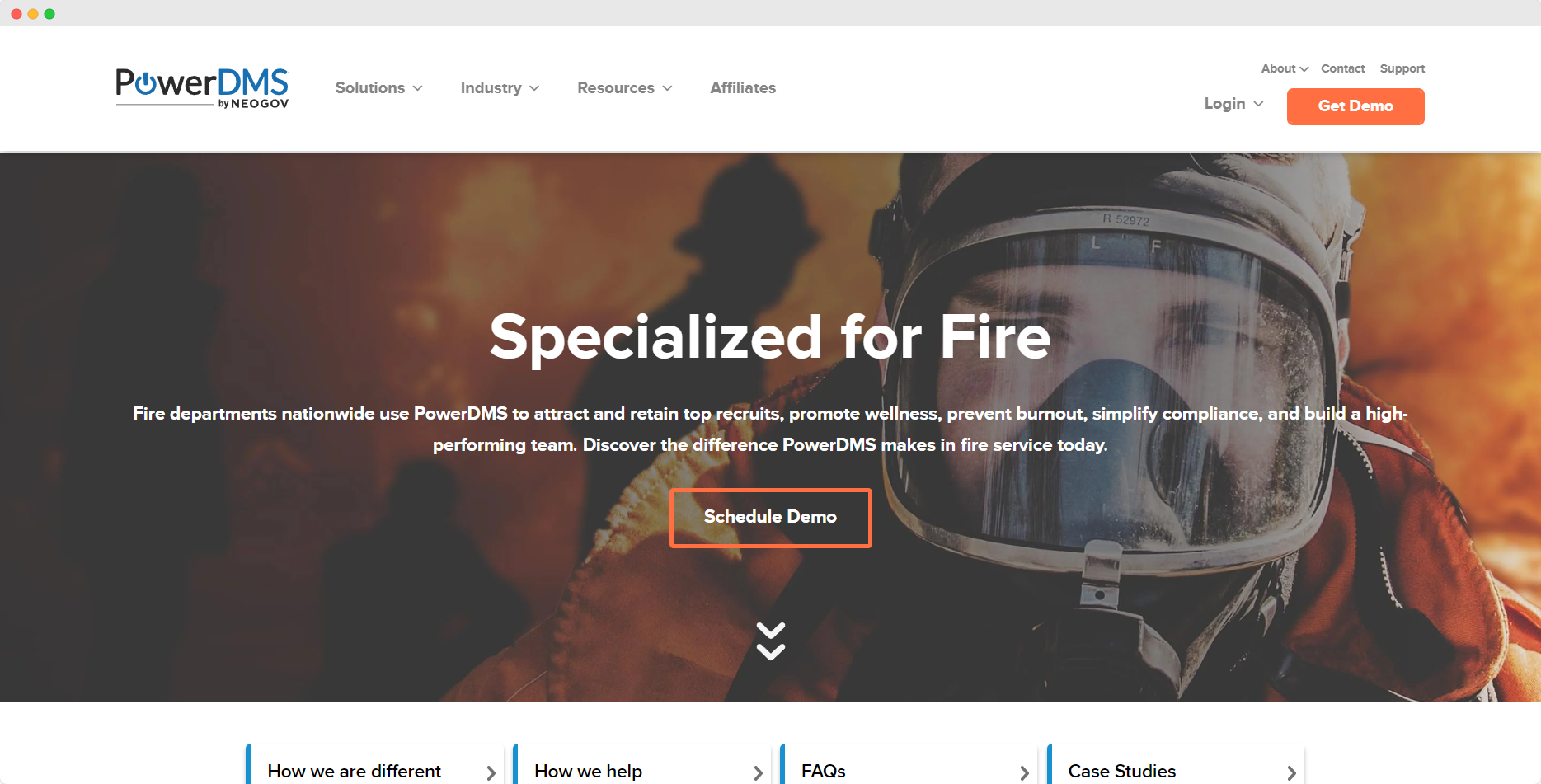
PowerDMS is a workforce management platform that helps fire departments with staff scheduling, community engagement, policy management, and more. The platform is used by departments throughout the country to attract and retain talent, prevent burnout, simplify compliance, and promote wellness.
Departments can standardize and centralize their training resources in one place and monitor trainee progress and trainer effectiveness with PowerDMS. It also automates compliance, eliminates time-consuming scheduling, and helps build high-performing teams.
Key Features
- Centralized training resources
- Automated onboarding and training documentation
- Digital schedule management
- Accreditation management
- Cloud-based policy management
Pros
- Helps attract and retain top recruits
- Improves well-being and reduces burnout
- Makes updating policies 4x faster
Cons
- Setting up workflows can be complex
- Steep learning curve for first-time users
Pricing: $24/seat/month for the premium plan
Free Trial: Yes
Platforms: Web, iOS, and Android
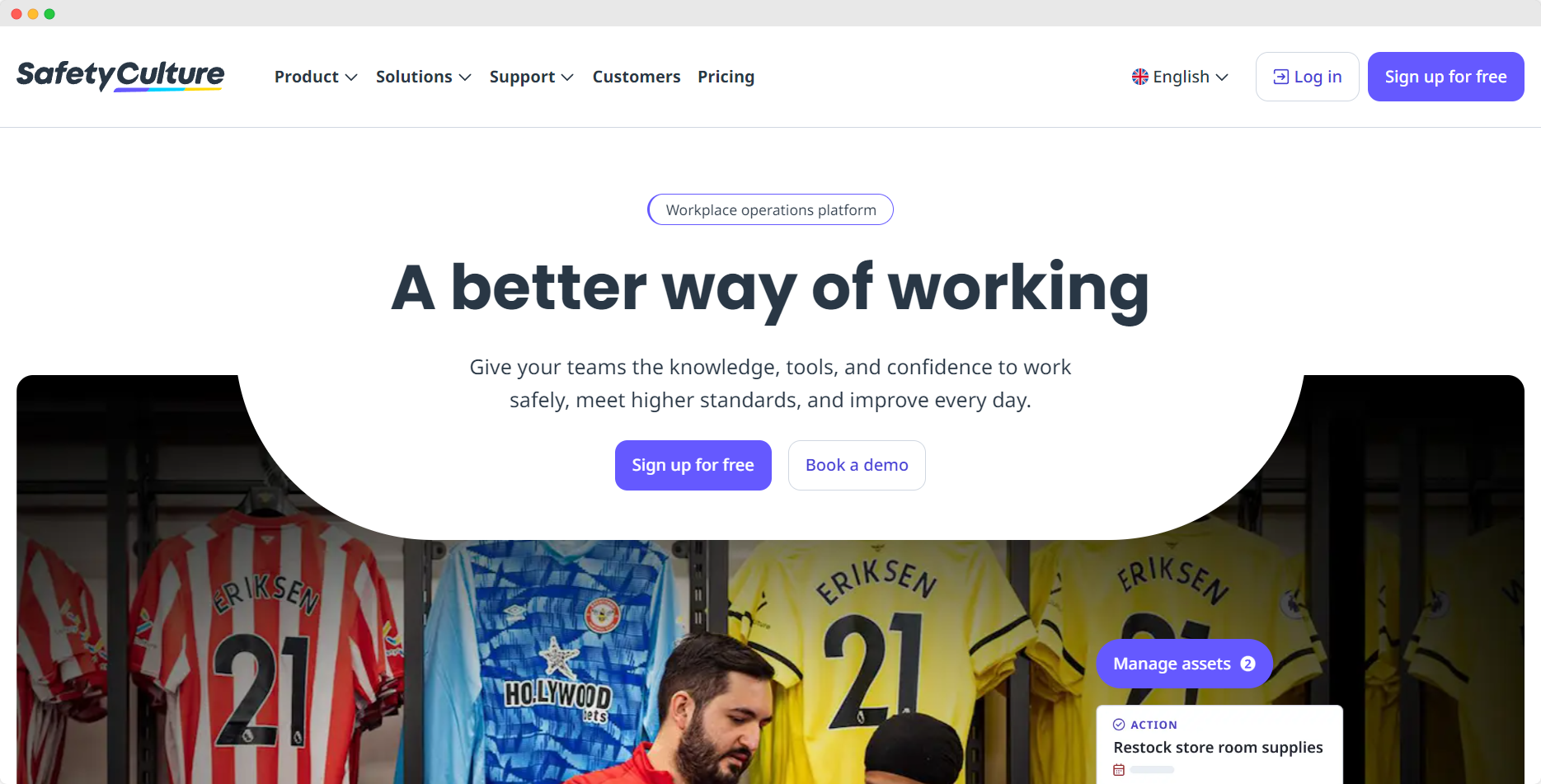
SafetyCulture is a fire station software that helps digitize every element of the department’s operations. This mobile-first platform helps departments move away from time-consuming manual paperwork so they can reduce errors and improve efficiency. SafetyCulture also appears in our wider fire safety software roundup, which compares it against inspection-focused platforms like Uptick and InspectNTrack.
SafetyCulture helps onboard and upskill team members faster, improves communications with video messaging, and streamlines workflows with task assignments and actions. Departments can customize asset and inventory inspection checklists to reduce manual administrative tasks.
Key Features
- Well-defined task management
- Geo-tagging to track the location of incidents and personnel
- Collaboration features
- Customizable checklists
- Digital training features
Pros
- Helps save time through streamlined workflows
- Digital training and onboarding features
- Helps improve decision-making with data visibility
Cons
- Enterprise plans may be expensive for smaller organizations
- Limited customization options
Pricing: Contact for pricing
Free Trial: No
Platforms: Web, iOS, and Android
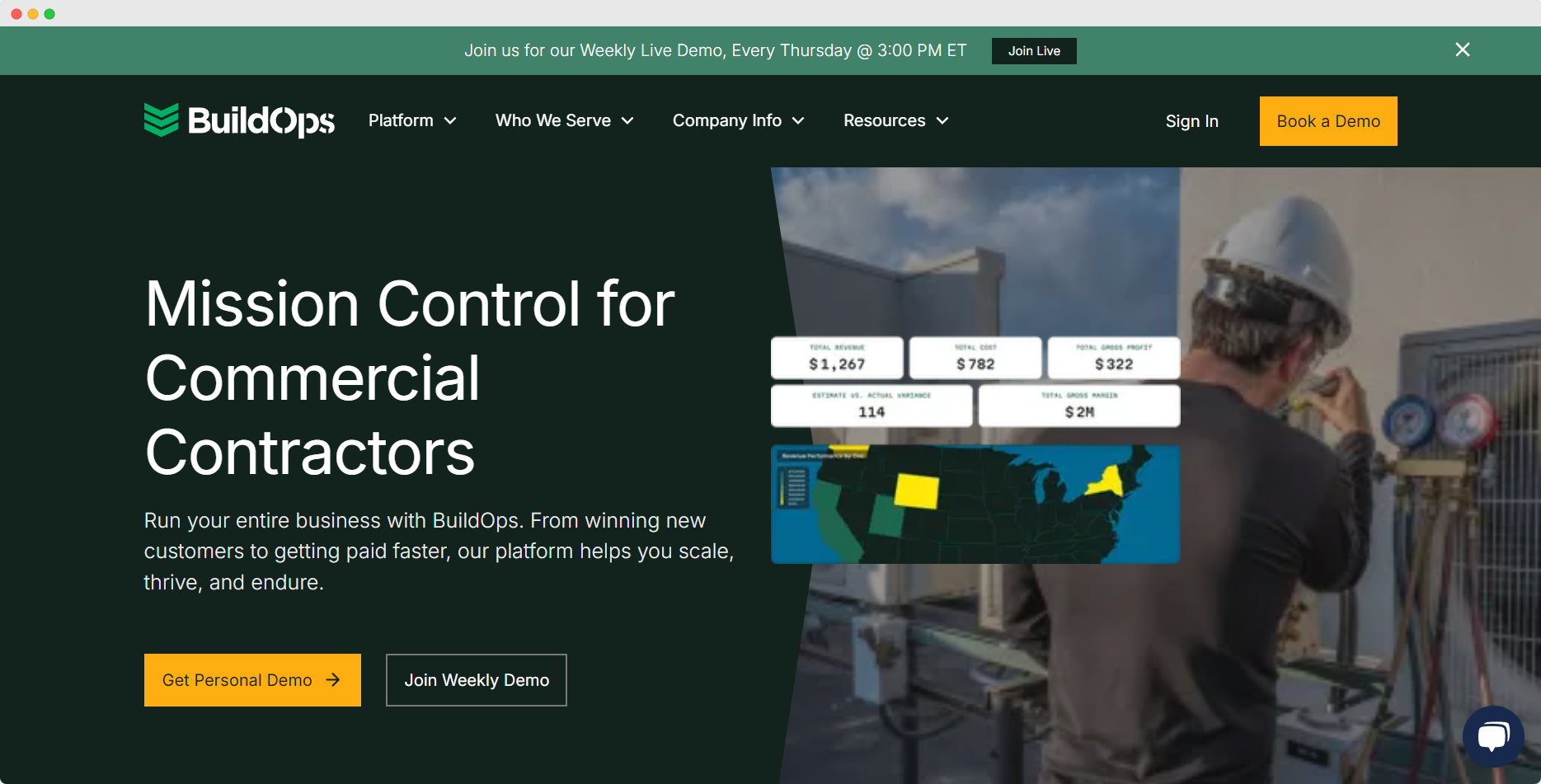
BuildOps is a cloud-based software that allows you to streamline investigations, reports, dispatch, and more. Team members can input data from the field and the collaborative features make it easy to improve the efficiency of the investigations.
BuildOps also offers customizable tools and templates to make reporting easier. While it is primarily a field service management software for commercial contractors, some of the features can also be used by fire departments to improve investigation, dispatch, and reporting efficiency.
Key Features
- Scheduling and dispatch
- Time tracking
- On-site weather conditions
- Data input from the field
- Customizable templates for reporting
Pros
- Seamlessly connects the department with on-field team members
- Easy to use collaboration features
- Allows customization of tools and templates
Cons
- Limited integrations available
- Not specifically developed for fire departments or organizations

Pricing: Starting at $999/year
Free Trial: No
Platforms: Web
FireHouse Manager is a good option for departments that want to transition from paper files to electronic records. The solution helps fire departments automate a variety of tasks ranging from incident management to reporting.
The easy-to-use dashboard integrates everything on a single screen so you can view all the critical information to manage inventory, track vehicle inspections, and generate reports.
Key Features
- Inventory management
- Certification and training tracking
- Inspections and maintenance
- Report generation
Pros
- Makes it easy to track inventory and maintenance
- Easy to navigate
- Streamlines data record-keeping
Cons
- Required fields are not automatically populated
- Mostly focuses on tracking maintenance and inventory, so lacks other features
Methodology
We reviewed 30 fire station software based on a number of factors, such as compliance, security, cost, customer support, features, supported platforms, free trial availability, and online reviews, to select our top eight recommendations for this list.
Switching to a robust and feature-rich time saving fire reporting software can improve your department's overall operations. Here are a few key benefits you can take advantage of when you invest in one:
- Improved Efficiency: Your department can automate routine tasks like incident reporting, inventory management, and scheduling to reduce time spent on administrative duties.
- Improved Communication: Most fire department software come with communication features like automatic alerts, notifications, and messaging, which can improve coordination and improve responses.
- Streamlined Processes: You can use fire station software to centralize everything from incident reporting to call dispatching. With standardized procedures, your department can ensure that all team members are following the same policies and protocols.
- Better Resource Management: Fire station software solutions can help track personnel availability, station resources, and equipment. Enhanced visibility can help you allocate resources effectively and ensure readiness.
- Accurate Reporting: Streamlined data collection and automated report generation tools enhance accuracy and can help ensure compliance with regulatory requirements
While the exact features you need in a fire station software will vary based on the size of your organization and specific needs, here are a few essential features you should look for:
- Communication and collaboration tools
- Incident tracking and reporting
- Scheduling and personnel management
- Resource management
- Reporting and analytics
- Record-keeping
- Compliance management
- Integration capabilities
- Customization options
It’s important to carefully evaluate your department’s specific needs, resources, and goals to choose the right fire department software. Here are a few tips to help you with your decision-making:
- Carefully assess the needs of your department and make a list of the important features your department needs.
- Determine a budget and take the initial costs and ongoing expenses into consideration.
- Research options and make a list of software solutions that offer the features you need within your budget, particularly focusing on fire investigation software.
- Request a demo or a free trial from the top three vendors you choose to see how it works in real time.
- Check to see if the software is accessible on tablets and mobile phones if you require field usability.
- Make sure the software complies with the required standards and regulations.
- Consider compatibility with your current systems.
- Read the training resources and check to ensure that the vendor’s customer support is responsive.
- Read online reviews and case studies, and speak to other departments that are using the platform to determine if it’s the right choice for you.
The right fire station software can enhance your operational efficiency, reduce time spent on mundane tasks, and improve the accuracy of your reports. However, it’s important to systematically evaluate your needs and compare multiple options before you choose a solution.
Most fire departments need two distinct categories of software to operate effectively. Understanding the difference prevents departments from expecting a single platform to do everything — and prevents investigators from being underserved by a system built for operations rather than investigation.
Fire station software — the category covered by the eight platforms in this guide — manages the operational side of a fire department: incident reporting for NFIRS or NERIS compliance, apparatus and equipment tracking, personnel scheduling, hydrant inspection records, pre-fire planning, and CAD integration. These platforms are built for company officers, battalion chiefs, and department administrators managing day-to-day operations.
Fire investigation software is a separate category built for the investigative function: origin and cause case management, NFPA 921-compliant report generation, evidence and media management with chain of custody tracking, fire scene data collection, and documentation that meets the legal standards required for insurance proceedings and criminal prosecution. These platforms are built for fire investigators, arson investigators, and fire marshals building cases rather than managing department operations.
The two categories are not interchangeable. A department running Firehouse Software or First Due for operations still needs a dedicated investigation platform if it has an active investigation unit — general RMS platforms are not designed to produce NFPA 921-compliant origin and cause reports, manage chain of custody for forensic evidence, or generate the litigation-ready documentation that subrogation attorneys and prosecutors require.
What Fire Investigation Units Need That RMS Platforms Do Not Provide
Departments with dedicated investigation units typically run both: an RMS platform for operations and a case management platform for investigations. The two systems serve different workflows, different users, and different compliance requirements.
Blazestack is purpose-built for the investigation function. It is not a fire station RMS and does not replace the operational platforms listed in this guide. For departments evaluating fire investigation case management software alongside or separate from their RMS decision, Blazestack handles origin and cause reporting, evidence management, and NFPA 921 compliance specifically for investigation units — from small volunteer departments to large state agencies.
FAQs
What types of fire station software are available?
There are several different types of fire station software designed to address specific functions and needs within a department. Here are a few common options you’ll typically find:
- Incident Reporting Software
- Personnel Management Software
- Records Management Software (RMS)
- Training Management Software
- Equipment Tracking Software
- Fire Investigation Software
Can fire station software integrate with other systems?
Yes. Many fire station software can integrate with other systems like dispatch, RMS, EMS, and accounting systems. How much does fire station software cost?The cost of fire station software varies greatly depending on its features, the size of the departments it serves, and other factors. While there are several budget-friendly options available, we recommend making a list of the features you need and contacting vendors to see if it’s the right option for you.
How much does fire station software cost?
The cost of fire station software varies greatly depending on its features, the size of the departments it serves, and other factors. While there are several budget-friendly options available, we recommend making a list of the features you need and contacting vendors to see if it’s the right option for you.


Trusted by Public and Private Investigator Teams Everywhere
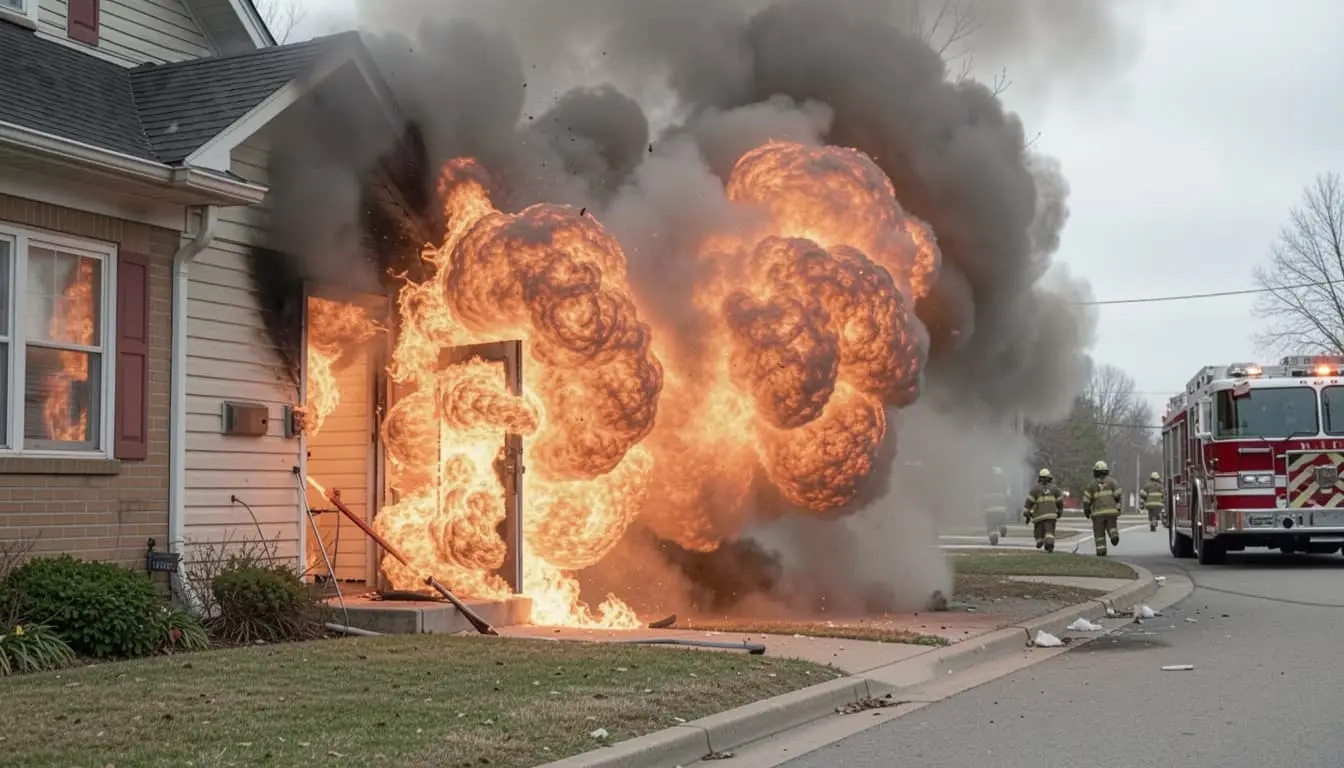
Whether you're a big state agency, a small local fire department or somewhere in between, Blazestack software (NFPA 921® & CJIS compliant) collects fire scene data and generates standardized origin and cause reports in a fraction of the time of other methods.
To learn more about Blazestack, give us a call at (866) 303-4344 or email us at support@blazestack.com
Get Your Free 14-Day Trial and Custom Price Quote Now
We'll let Blazestack do the talking. Try it out right now for free.
A member of our staff will be in touch shortly.